0+
Clients supported
to land their dream job in Australia

Here’s what we’ve done
to land their dream job in Australia
after obtaining DreamShift services
across Trustpilot, Google and WhatsApp
Hover or tap a state to see more details.
Choose your industry to see how many clients we've supported.
Last updated: 27th July 2026

Land Interviews – Or Get Your Money Back, Guaranteed!
30+ WhatsApp conversations with our happy clients.
My 1st Job in Australia 🇦🇺 as a Business Analyst, was possible thanks to DreamShift

Business Analyst
Peoplecare Health Insurance
I got Interviews in Australia 🇦🇺 within 2 Weeks, thanks to the Superb Job Strategy by DreamShift

Team Lead - Vehicle Sales Smartsgroup Corp
Getting a Job in Australia 🇦🇺 through Skill Migration Visa was easier thanks to DreamShift's Resume Writing & LinkedIn Service

Sales & Operations Leader
You guys played a massive role in helping me land a job at New Zealand's 🇳🇿 Largest homegrown bank
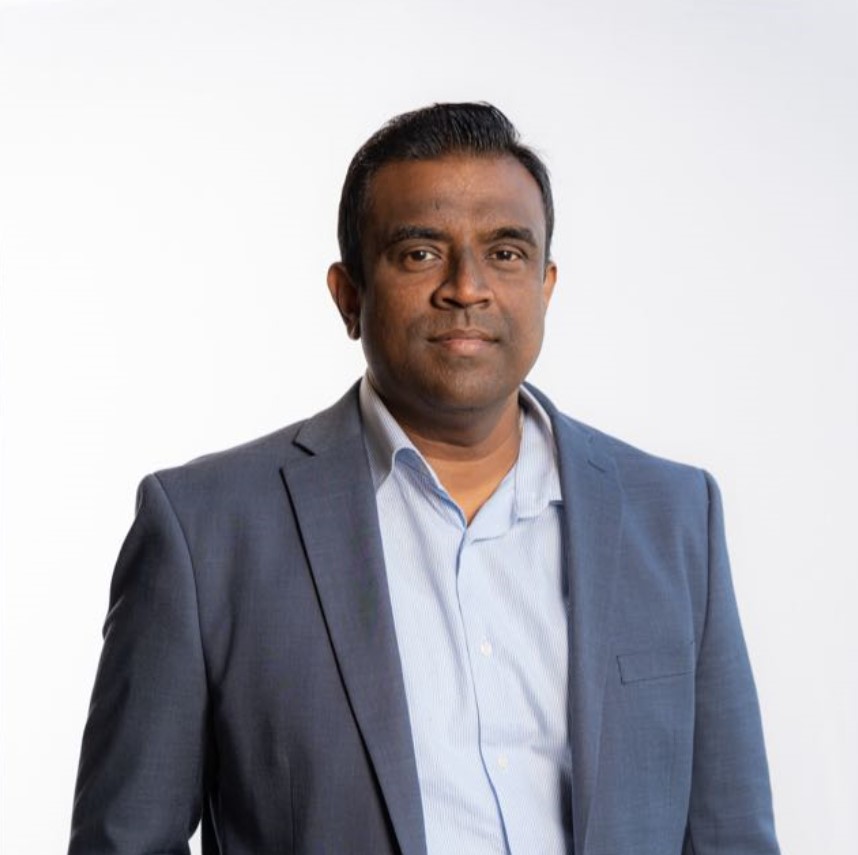
Senior Relationship Manager
I love the way they took care of my problems and I am seeing actual progress in my career. Great team and service. Would refer to everyone.

Master of Business Analytics | Adelaide
I received interview calls and got a Job as a Loan Analyst. The CV you prepared for me was very professional and ATS-friendly.
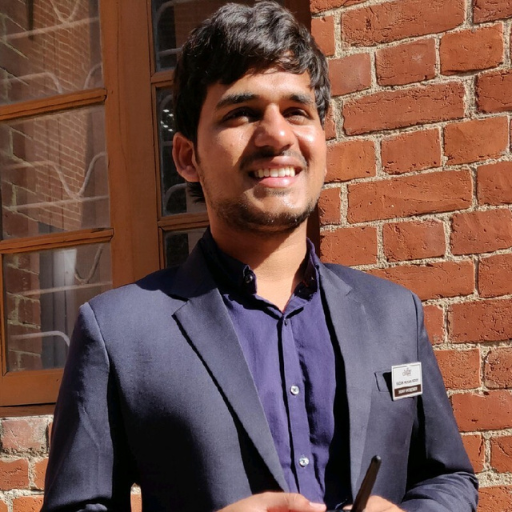
Loan Analyst at Mortgage Choice
My 1st Job in Australia 🇦🇺 as a Business Analyst, was possible thanks to DreamShift
Business Analyst
Peoplecare Health Insurance
I got Interviews in Australia 🇦🇺 within 2 Weeks, thanks to the Superb Job Strategy by DreamShift
Team Lead - Vehicle Sales Smartsgroup Corp
Getting a Job in Australia 🇦🇺 through Skill Migration Visa was easier thanks to DreamShift's Resume Writing & LinkedIn Service
Sales & Operations Leader
You guys played a massive role in helping me land a job at New Zealand's 🇳🇿 Largest homegrown bank
Senior Relationship Manager
I love the way they took care of my problems and I am seeing actual progress in my career. Great team and service. Would refer to everyone.
Master of Business Analytics | Adelaide
I received interview calls and got a Job as a Loan Analyst. The CV you prepared for me was very professional and ATS-friendly.
Loan Analyst at Mortgage Choice
I applied with your CV and a Senior Manager has checked my LinkedIn optimized by you - I got the job from the 1st interview itself

Rehabilitation Counselor | Sydney, Australia
I started seeing 'Your application has been viewed' messages on a daily basis, after using your CV

E-commerce Specialist | Specsavers, Melbourne
I got multiple interviews within a month after using DreamShift's CV and landed my job in Victoria

Purchasing Officer | Larnec
The support from the team was great. All the resumes, cover letters and LinkedIn were crafted professionally.

Graduate Civil Engineer
After updating my CVs and LinkedIn profile, I’ve noticed a significant improvement in profile views and responses from recruiters
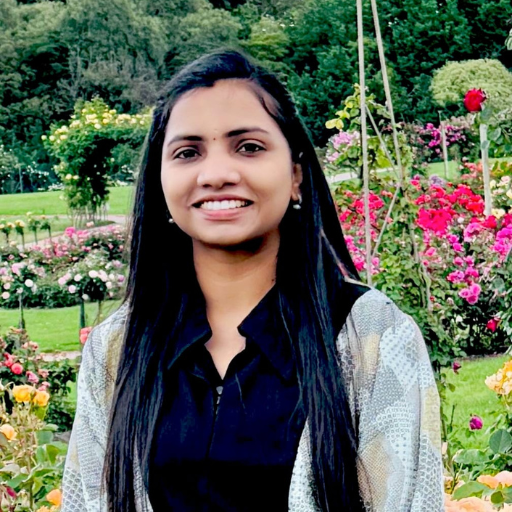
Architectural Draftsperson | Melbourne
They delivered excellent service, optimising my LinkedIn profile and CV, and handling urgent changes promptly.

Master of Electrical & Electronics Engineering
I applied for just 5 jobs and within 1 week, I received 3 interview opportunities after getting my CV & LinkedIn Updated.
Finance & Business Analyst | CPA Australia
I applied with your CV and a Senior Manager has checked my LinkedIn optimized by you - I got the job from the 1st interview itself
Rehabilitation Counselor | Sydney, Australia
I started seeing 'Your application has been viewed' messages on a daily basis, after using your CV
E-commerce Specialist | Specsavers, Melbourne
I got multiple interviews within a month after using DreamShift's CV and landed my job in Victoria
Purchasing Officer | Larnec
The support from the team was great. All the resumes, cover letters and LinkedIn were crafted professionally.
Graduate Civil Engineer
After updating my CVs and LinkedIn profile, I’ve noticed a significant improvement in profile views and responses from recruiters
Architectural Draftsperson | Melbourne
They delivered excellent service, optimising my LinkedIn profile and CV, and handling urgent changes promptly.
Master of Electrical & Electronics Engineering
I applied for just 5 jobs and within 1 week, I received 3 interview opportunities after getting my CV & LinkedIn Updated.
Finance & Business Analyst | CPA Australia

Ideal: If you have one specific job opening to apply for
Ideal: If you want experts to handle every document & guide you
Ideal: If you want us to apply for jobs & handle everything for you

Client Analyst | Sydney
We guarantee your DreamShift-optimized CV, Cover Letter and LinkedIn will get you at least one job interview within 60 days. If it doesn't happen, you have two options.
Results vary based on industry, experience, visa status and job market conditions. Terms apply.