Working from home or in a hybrid model offers flexibility, but it often blurs the line between your job and your home environment. When your desk is just steps away from your living room, work stress can easily spill over into your evening routine.
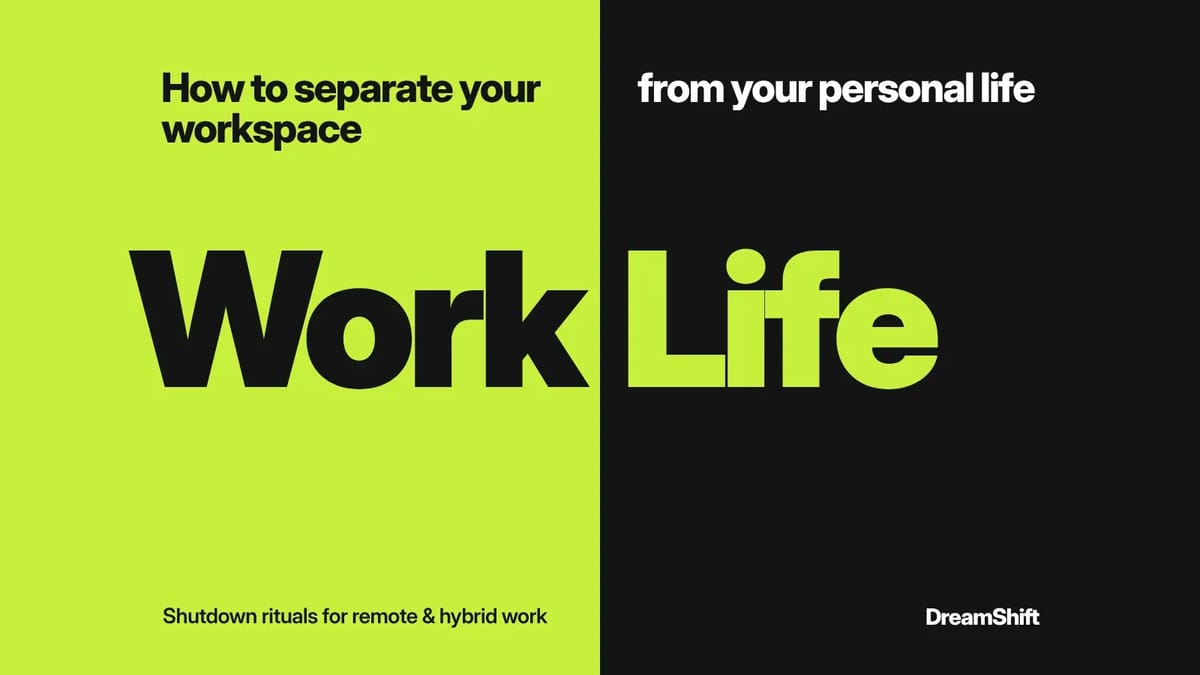
In the Australian remote workforce—especially for team members coordinating across different time zones—establishing friction between work and rest is essential. Learning how to separate your workspace from your personal life helps maintain focus during business hours while protecting your mental space when you log off.
Here is your tactical guide to setting digital, physical, and operational boundaries in a flexible work setup.
3 Core Tactics to Separate Work from Rest
1.Define a Dedicated Workspace Zone:Create a clear physical cue to start and end the workday.
Even without a separate home office, assign a specific table or setup exclusively for work tasks. When you step away from that area at the end of the day, pack your laptop or equipment out of plain view to prevent visual reminders of your inbox.
2.Establish a Daily Shutdown Ritual:Signal the end of your professional brain space.
Build a 10-minute closing sequence at the end of your shift: clear your inbox, log your top priorities for tomorrow, close all browser tabs, and sign off from work messaging apps.
3.Implement Digital Disconnect Protocols:Protect your evenings from notification creep.
Turn off work email and chat notifications on your mobile devices past working hours. Use scheduled send features to avoid starting out-of-hours message threads with colleagues.
Managing Timezone Friction in Remote Work
Working across different states or international time zones often tempts professionals to stay connected late into the night. Here is how to handle time zone overlap gracefully:
- Define core overlap hours: Agree with your manager on a 3 to 4-hour window for live meetings and collaboration, leaving the remainder of your shift for asynchronous, focus-driven work.
- Set auto-responder statuses: Use status updates on Slack or Teams to display your local time and working hours so cross-border teams know when to expect a response.
- Pro tip — Utilize delayed delivery: If you draft emails outside standard working hours, schedule them to send at 8:30 AM the next morning in your recipient's time zone.
Practical Daily Shutdown Checklist
Use this quick sequence during the final 15 minutes of your workday to transition smoothly:
- Log final task updates: Update your project board or task manager.
- Write tomorrow’s top 3: Identify the three core deliverables for your next shift.
- Close open tabs: Shut down all project documents, spreadsheets, and communication apps.
- Physical transition: Step away from your desk and take a short walk or stretch to mark the end of work mode.
Frequently Asked Questions
What if I live in a small apartment without space for a desk?
Use a collapsible laptop stand or a designated chair solely for work hours. Packing away your laptop and accessories into a basket or drawer at the end of the day creates an effective psychological boundary.
How do I stop checking work Slack messages on my phone?
Remove work apps from your primary mobile device, or use built-in Focus modes (such as iOS Focus or Android Digital Wellbeing) to automatically silence work notifications outside your rostered hours.
How should I explain my timezone boundaries to international managers?
Frame your schedule around focus and output. Reassure them that asynchronous updates will be ready during their business hours while keeping your primary focus blocks protected.
Build a Sustainable Remote Work Strategy
Establishing clear habits to separate your workspace from your personal life guarantees consistent performance and long-term wellbeing in hybrid work environments.
If you are navigating a transition into Australian remote roles, adjusting to flexible team setups, or preparing high-impact job applications, DreamShift can support your journey. We have helped over 200 migrants secure roles across Australia with ATS-optimised CVs, targeted LinkedIn profile optimization, and a 60-day interview guarantee.
Book a Free Consultation today to speak with a career specialist, or access our free Aussie Job Toolkit to refine your career strategy.